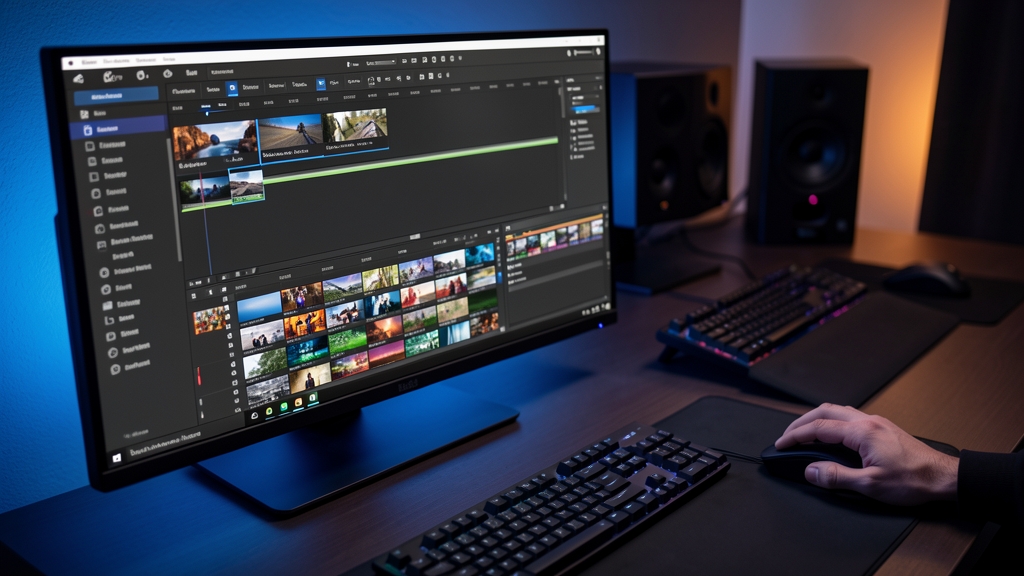
The fundamental architecture of non-linear editing (NLE) has long been defined by a single, inescapable reality: the gap. Whether it is a missing transition, a lack of B-roll to cover a jump cut, or a need for a specific environmental shot that was never captured, editors have historically spent hours—sometimes days—scouring stock libraries or rescheduling shoots to fill the silences in their stories.
Adobe is attempting to erase those gaps entirely.
With the introduction of the Generative Media Tool in the latest Premiere (beta) release, Adobe is moving its generative AI ambitions from the periphery of the creative suite directly into the heart of the timeline. This is not merely another plugin or a sidecar application; it is a fundamental shift in how temporal data is treated in the editing process.
The Mechanics of 'Drag-to-Fill'
The interface of the Generative Media Tool is deceptively simple, a hallmark of Adobe’s recent UX philosophy. Located within the primary Premiere toolbar, the tool allows an editor to select a segment of empty space on the timeline and simply drag across it.
Unlike text-to-video generators that require complex, iterative prompting to achieve a specific look, this tool functions with a high degree of context-awareness. Upon selecting a gap, the software analyzes the surrounding clips—evaluating color grading, lighting direction, camera movement, and even the subject matter—to suggest or generate media that bridges the void. It is an attempt to turn the "empty space" from a problem to be solved into a canvas to be painted.
From Prompting to Contextual Synthesis
The technical breakthrough here isn't just the ability to create video from text; it is the integration of temporal and visual continuity. Most current generative video models struggle with "flicker" or a lack of consistency between frames. However, by anchoring the generation to existing footage, Adobe appears to be leveraging a more sophisticated form of latent diffusion that prioritizes the "style-transfer" and "motion-matching" of the neighboring clips.
Key capabilities being tested in the beta include:
* Seamless B-Roll Generation: Creating environmental filler that matches the depth of field and grain of the primary footage.
* Extension of Existing Clips: Using generative fill to extend a shot that is slightly too short for a specific transition.
* Object Removal and Replacement: While related to Photoshop’s Generative Fill, the Premiere implementation focuses on maintaining the movement and parallax of a moving camera.
The Competitive Landscape: A Race for the Desktop
Adobe’s move is a strategic strike in an increasingly crowded post-production market. For years, Blackmagic Design’s DaVinci Resolve has been gaining ground through its incredibly tight integration of color grading and hardware. As AI becomes the new battlefield, the software that offers the most frictionless generative workflow will likely capture the next generation of creators.
By embedding these tools directly into the toolbar, Adobe is signaling that generative AI is no longer an "experimental feature"—it is becoming a standard utility, much like the razor tool or the ripple edit tool. For professional studios, the value proposition is clear: reduced turnaround times and lower costs for supplemental footage.
The Ethical and Artistic Friction
However, the introduction of the Generative Media Tool is not without significant controversy. Within the filmmaking community, a tension is emerging between the pursuit of efficiency and the sanctity of the "captured moment."
There are three primary areas of concern:
1. The Devaluation of Cinematography: If an editor can simply "drag and fill" a sunset or a crowd scene, the demand for actual location shooting may diminish. This raises existential questions for cinematographers and production crews.
2. Copyright and Training Data: As with all Firefly-powered tools, the question of what the model was trained on remains at the forefront. Adobe maintains that its models are trained on Adobe Stock and public domain content to ensure commercial safety, but the debate over "algorithmic originality" is far from settled.
3. The Uncanny Valley of Continuity: While the tool aims for seamlessness, there is a risk of creating "synthetic" films that feel visually perfect but emotionally hollow, where the lighting and movement are technically correct but lack the organic imperfections that characterize human-captured reality.
The Road Ahead
The Generative Media Tool is currently in beta, meaning the industry is essentially participating in a massive, real-world stress test. We are witnessing the transition from an era of "editing what was filmed" to an era of "editing what is envisioned."
Whether this tool becomes an indispensable part of the professional toolkit or remains a controversial shortcut for social media creators will depend on one thing: the quality of the output. If Adobe can solve the problem of temporal coherence—making the generated footage truly indistinguishable from the shot footage—the timeline as we know it will be changed forever.